

Save up to 10 percent on Dell technology
Dell for Nonprofits gives eligible nonprofits and public libraries discount codes for Dell desktops, laptops, tablets, servers, and accessories. Request access through TechSoup once, then buy directly from Dell.
Already a participant? Go to your store
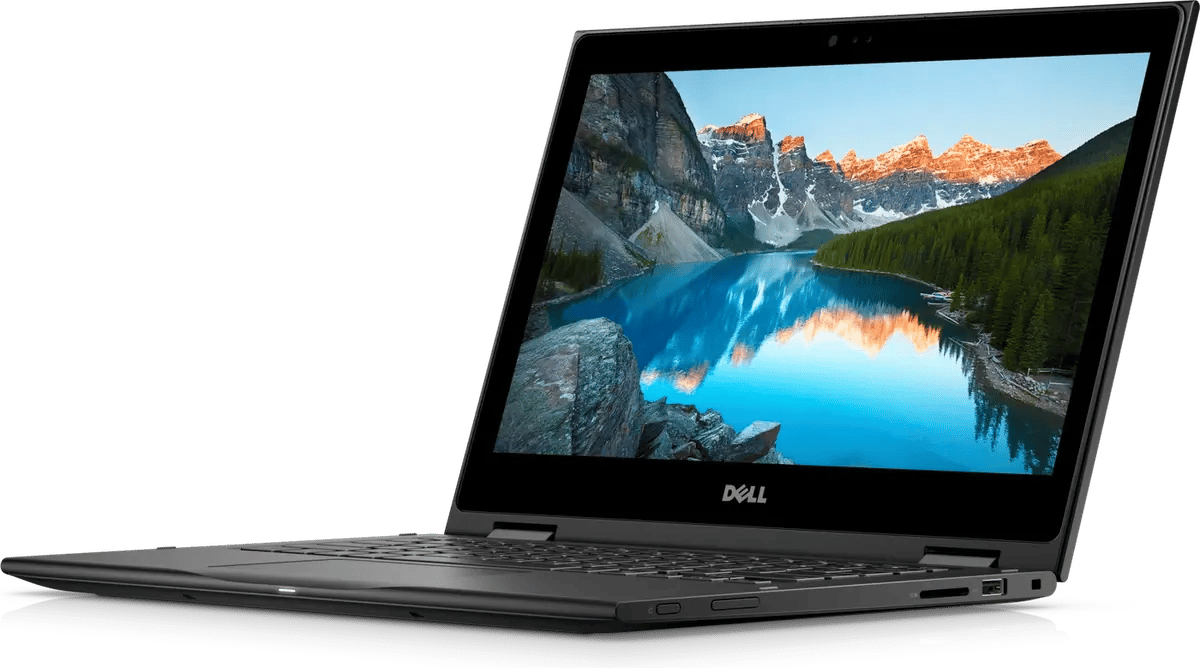
Up to 10 percent off
Discount codes that stack with Dell's promotional pricing.
No admin fee
Request access once, then pay Dell directly for what you buy.
A Dell adviser
An assigned Dell Technologies adviser helps you choose products and apply discounts.
Remote setup help
Computers bought through your adviser come with remote setup assistance.
For current participants
Shop Dell with your discount codes
Shop on the Dell website and enter the discount codes from your TechSoup fulfillment email at checkout. The codes stack with Dell's current promotional pricing.
Cannot find your codes? They are in the fulfillment email TechSoup sent to your organization when your request was approved.
How to join Dell for Nonprofits
If your organization is already a TechSoup member, start at step 2.
-
Step 1
Join TechSoup
Register your organization. Membership is open to 501(c)(3) nonprofits and public libraries.
Register your organization -
Step 2
Request Dell for Nonprofits
Request the offer from the TechSoup catalog. There is no admin fee.
Request the offer -
Step 3
Shop with your codes
When your request is approved, TechSoup emails your organization a link and instructions for using the Dell discounts. Enter your codes at checkout on the Dell website.
Who qualifies
Your organization must meet these requirements to request access.
-
Nonprofits and public libraries
Qualifying nonprofits with 501(c)(3) designation and public libraries. Libraries must have valid 501(c)(3) status or be listed in the Institute of Museum and Library Services (IMLS) database.
-
Any budget size
Organizations with annual operating budgets of any size are eligible.
-
No U.S. territories
Organizations in U.S. territories are not eligible.
-
One request
Request the offer once. Your organization can then buy an unlimited number of discounted products.
-
Willingness to participate in a case study
Organizations must be willing and able to give Dell information for a case study or testimonial.
-
TechSoup Anti-Discrimination Policy
Organizations must comply with the TechSoup Anti-Discrimination Policy.
The complete rules are on the Dell for Nonprofits offer page.
Frequently asked questions
Who can buy through the program?
Your organization. Employees and volunteers of your organization can also buy their own Dell products through the program, but remote setup assistance does not cover their purchases.
What does remote setup assistance cover?
System setup, software installation, peripheral installation, network and printer connections, and moving files and settings to a new computer. It applies to computers you buy through your Dell adviser.
Get Dell pricing for your organization
Request access once, then buy what you need directly from Dell.
Request the offer